A
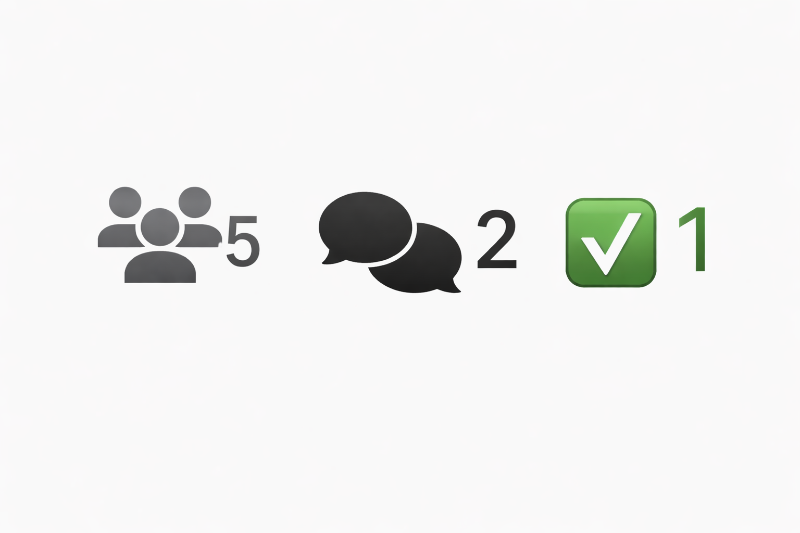
Ever wondered what’s happening behind the scenes once a request is posted? We’ve added a new status bar to give our community full transparency on the life cycle of every job.
Here is a quick breakdown of what those icons actually mean:
- 👥 5 (Users Icon): This shows how many experts have been notified about the request. In this case, 5 experts were alerted that the job is a perfect match for their skills.
- 💬 2 (Speech Bubbles): This indicates active interest. Here, 2 experts has already stepped forward and submitted an official offer.
- ✅ 1 (Checkmark): This shows that 1 expert has been officially accepted. Note for Experts: For larger projects, a user might accept multiple experts! Even if you see a checkmark, the job may still be open for more help—so always check to see if you can still send an offer.
The Bottom Line: Experts can now see the "pulse" of a request in real-time, helping everyone stay informed and moving toward a successful project.
0001331
Please log in to add a comment.
LoginNo comments yet. Be the first to comment!